
View Policies
This page shows a list of all existing Policies.

Add a new Policy by clicking the Add Button.
You are now transferred to the Edit Policy in Add mode.

Edit an existing Policy by clicking the hyperlink of the Internal Reference or choose the SOP you want to work with and Click the Edit Button.
You are now transferred to the Edit Policy in Edit mode.

This will change the status of the Policy to retired and by default it will no longer show in the Policies list. We do NOT delete data as the history of an Policy forms the story that may be needed for the MOH Audit

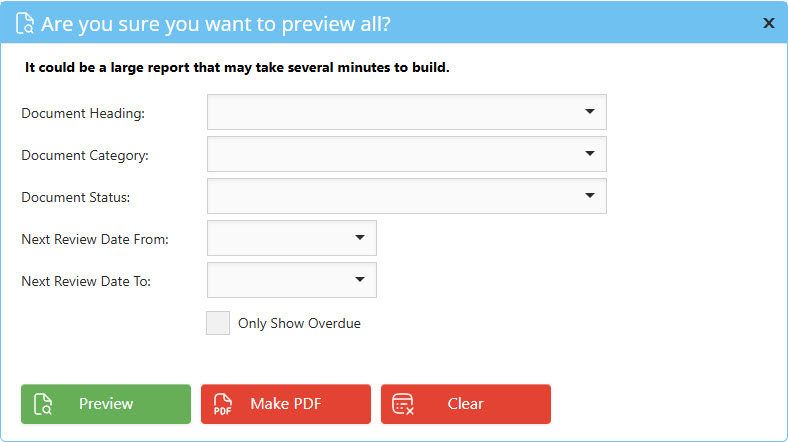
Allows you to view a report or export of all items in the grid – you will be prompted for whether to print a table of contents and you can select filters such as Document heading or status.

View the selected Policy as a detailed report